Measure & Design

Measure your existing space and explore ideas for your kitchen or bathroom.

SCAN YOUR EXISTING ROOM

SW Measure app icon

SW Measure Coming soon

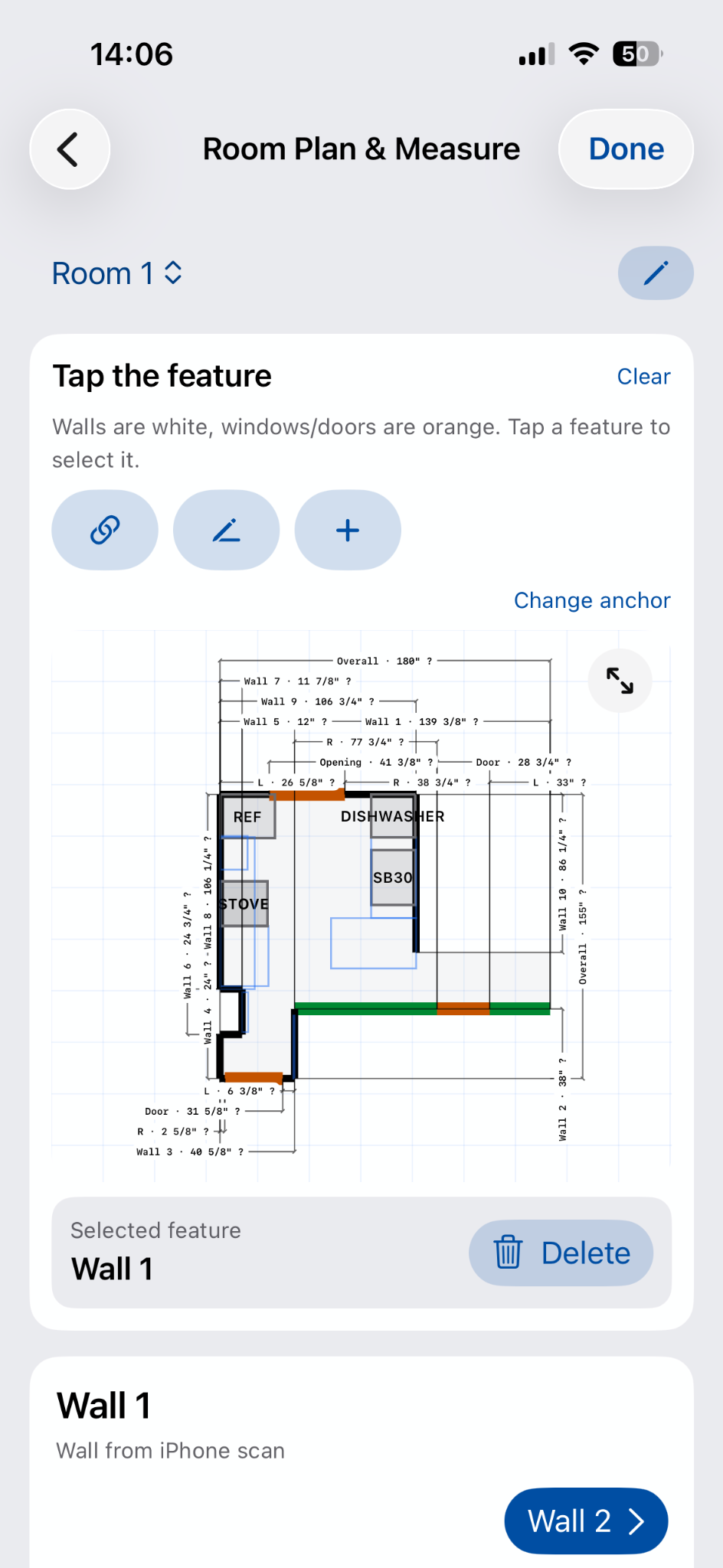
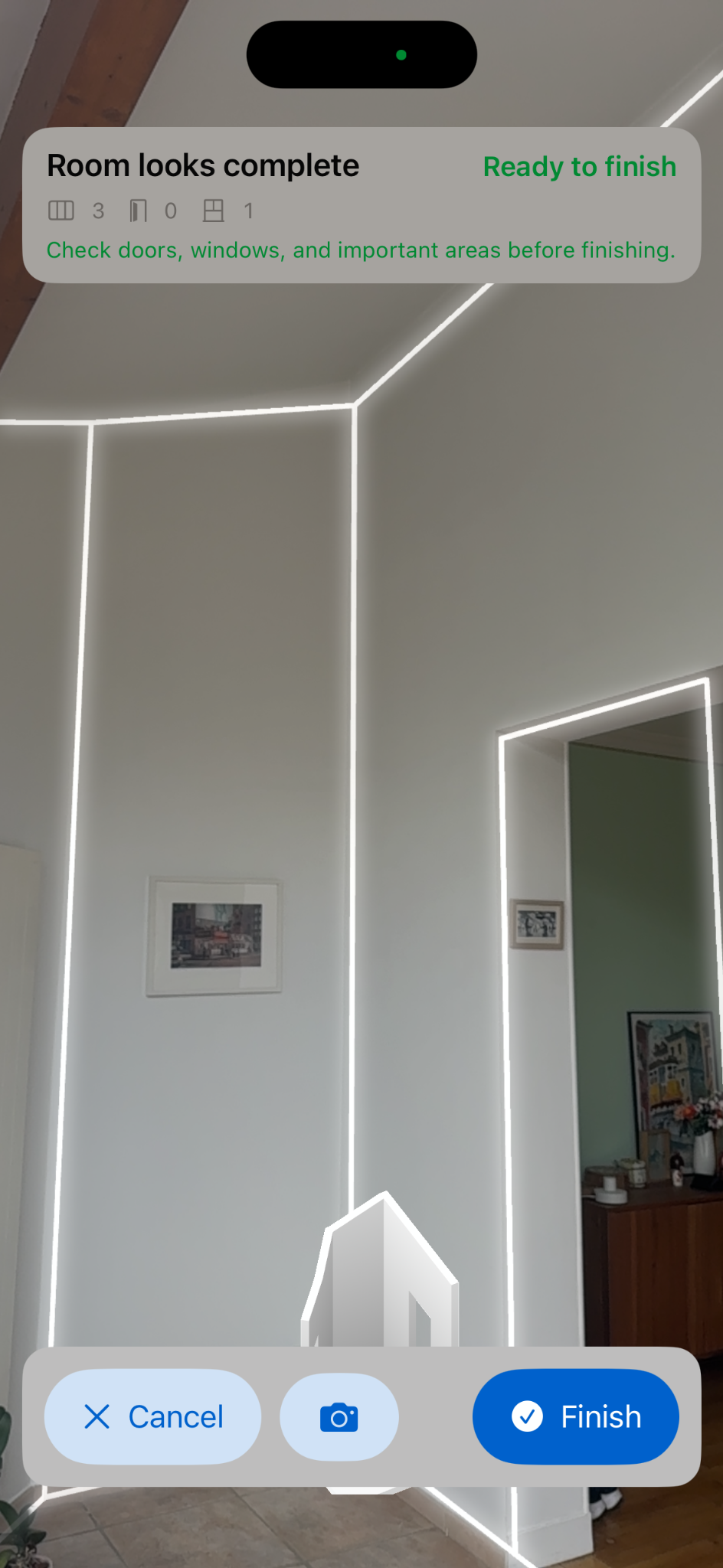
Scan your kitchen, bathroom or another room to review its layout and approximate measurements.

Requires an iPhone Pro / Pro Max or iPad Pro model with LiDAR

Supported iPhone models: iPhone 12 Pro, 12 Pro Max, 13 Pro, 13 Pro Max, 14 Pro, 14 Pro Max, 15 Pro, 15 Pro Max, 16 Pro, 16 Pro Max, 17 Pro, 17 Pro Max, 18 Pro and 18 Pro Max.
Supported iPad Pro models: 11-inch (2nd, 3rd and 4th generation; M4; M5), 12.9-inch (4th, 5th and 6th generation), and 13-inch (M4; M5).

Our room scanning app is still in development. It is not available to download yet.
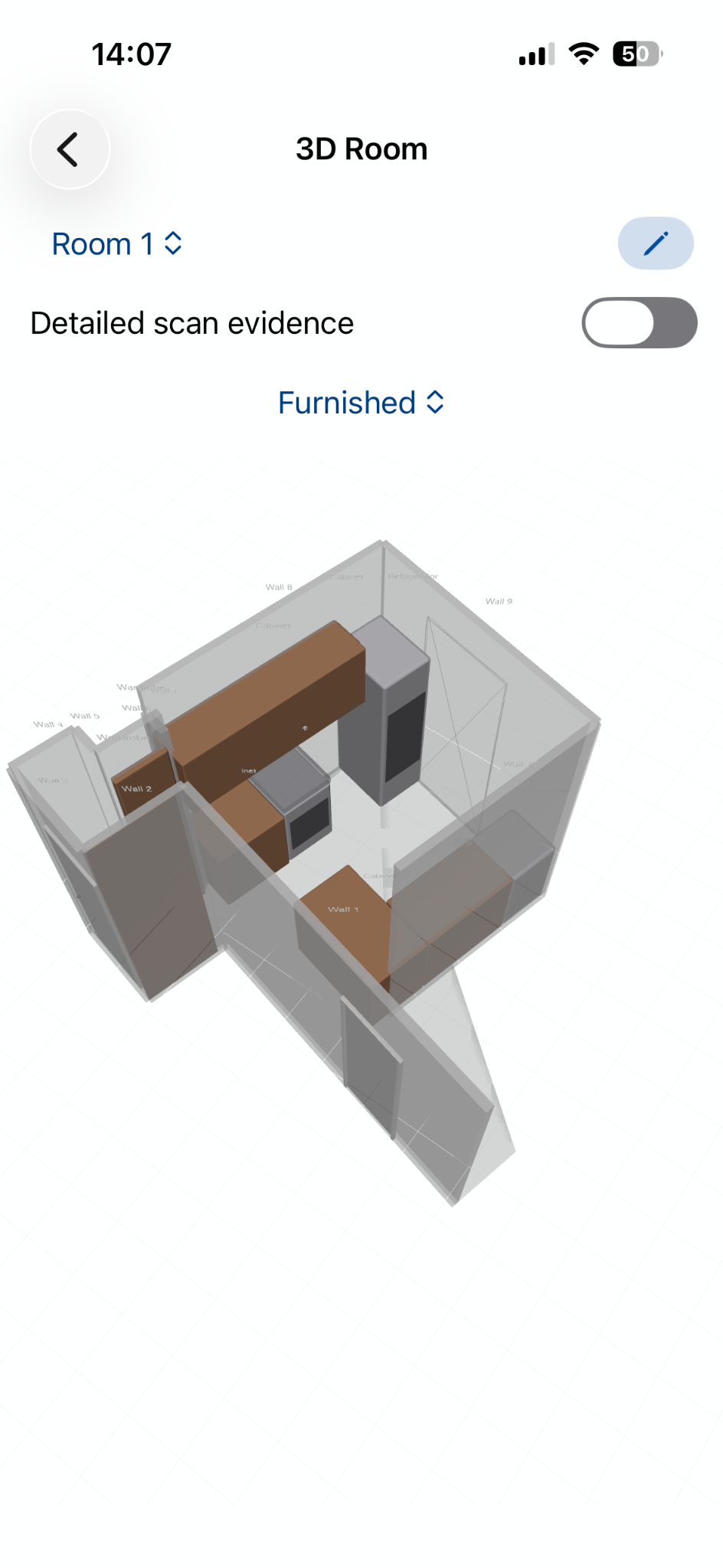
3D view of a scanned room
Room plan with dimensions
Live room scanning view

DESIGN YOUR KITCHEN OR BATHROOM

Kitchen & Bath Planner

Explore cabinet and vanity layouts, colors and countertop options for your kitchen or bathroom in 3D.

In your browser · Best on a computer

Open Design PlannerSee how it works
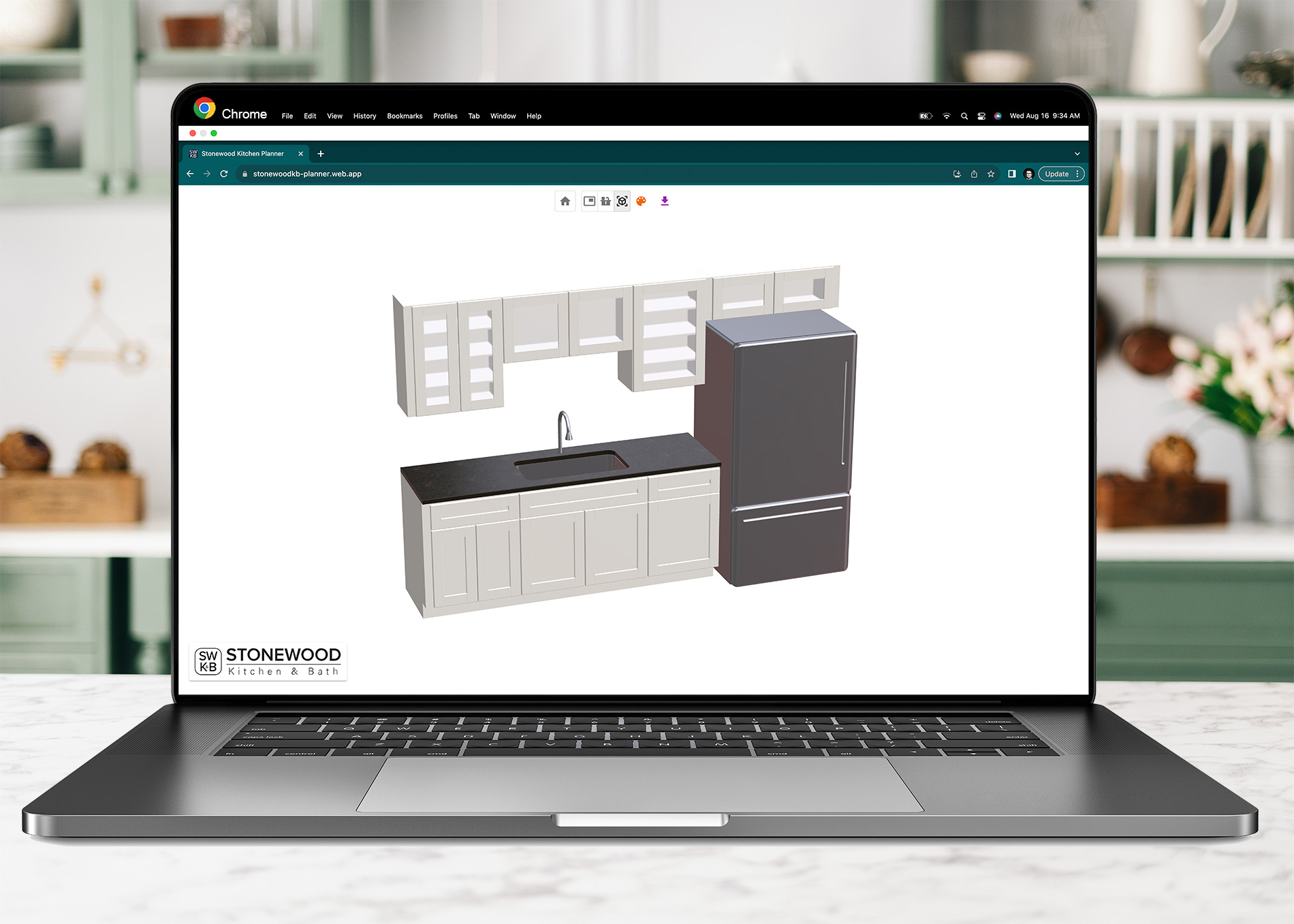
Stonewood kitchen planner preview

Room scans provide approximate measurements. Final dimensions must be verified before ordering or installation.

Kitchen Planner: how it works
Fully Web Based

No installation required.

Our web application works with various web browsers: Google Chrome, Firefox, and Microsoft Edge on various operating systems (Windows, Linux, iOS).

For a seamless experience, please use the application on a desktop or a laptop.

Access Kitchen Planner
3D Visualizer

Our user-friendly interface empowers you to effortlessly explore an array of cabinet colors and countertop options.

Despite the realism, it is always better to visit us at our store to see the colors and styles in person.

Defining Walls

Begin by defining the walls of your space with just a few mouse clicks. Should you decide to make adjustments, the process is equally effortless – either fine-tune the wall positions using your keyboard or seamlessly drag them to a new configuration.

Adding Cabinets

Enhance your space by employing the drag-and-drop feature to add cabinets and appliances.

Explore our extensive cabinet collection, effortlessly dragging your selection onto the drawing to seamlessly add and position your cabinets.